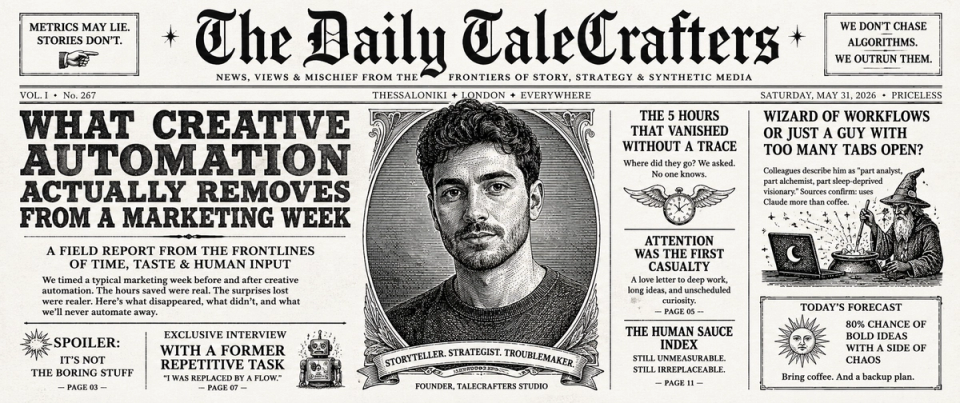
Every automation pitch leads with drafting, because drafting is visible and demos well. A model writes a post in eight seconds and the room makes a noise. Then the team goes back to work and the week is exactly as full as it was.
The tool worked. Drafting was never where the week went.
Where a content week goes
This is the shape we find on almost every mapping engagement, across teams of three to eight people. The proportions shift; the ordering rarely does.
| ACTIVITY | SHARE OF WEEK | AUTOMATABLE? |
|---|---|---|
| Coordination: chasing approvals, status, handoffs | ~18% | Mostly. Routing and reminders are deterministic. |
| Reformatting: same asset, other placements | ~15% | Almost entirely. |
| File admin: naming, filing, versioning, finding | ~12% | Entirely, and it should never have been human work. |
| Drafting first versions | ~14% | Partly. Drafts yes, final copy no. |
| Editing and judgement | ~13% | No, and it should not be. |
| Research and qualification | ~10% | Largely, with a human gate on what is used. |
| Reporting and deck rebuilding | ~9% | Almost entirely. |
| Meetings about the above | ~9% | Indirectly: fewer handoffs, fewer meetings. |
Add the rows marked mostly or entirely and you get somewhere near half the week. None of that half is creative work. All of it is the tax you pay for creative work existing inside an organisation.
The four hours nobody counts
Four specific losses come up in every audit, and none of them appear on anybody’s timesheet as a task.
- Finding the final version. Not making it. Finding it. A naming convention plus automatic versioning removes this permanently and it is the single highest-return thing you can build.
- Rebuilding a deck that already exists. The numbers changed, so somebody rebuilt forty slides to change six of them.
- Reformatting for the fifth placement. The asset is done. It is now being cropped, retitled and re-exported by a person who is capable of much more interesting work.
- Re-explaining the brief. Three people now hold slightly different versions of it, and the difference surfaces at review.
What stays human, and should
Two things, and they are not negotiable at any volume.
- The brief. What are we making, for whom, and what would make it good. A machine can draft one. A person decides it.
- Final approval. Somebody with authority sees the output before it ships and can stop it. Not somebody watching. Somebody with a decision to make and the standing to say no.
Everything between those two points is a candidate. Nothing outside them is.
How to run the audit yourself
You do not need a consultant for this, and it takes half a day.
- For one week, everybody logs what they did in thirty-minute blocks. Categories only. Nobody is being assessed; say so, loudly, or the data is fiction.
- Sort every block into: decides, drafts, formats, moves, finds, reports, meets.
- Total the last five. That is your addressable surface.
- For each, write down who owns it today and what would have to be true for a script to own it instead. Usually the answer is a naming convention and a connector.
- Build the top two. Not eight. Two, shipped and adopted, beats a roadmap.
What to expect afterwards
The realistic outcome is that the same team ships more of the work it is good at, and the calendar stops being the constraint. In practice: fewer status meetings because status is visible, fewer versions because versioning is automatic, and a different answer to "can we also do a version for the Greek market by Thursday".
The other outcome, which matters more over a year, is that the system is auditable. A run log with cost attached turns "this saves time" into a figure a finance director can check, which is the difference between a tool the team likes and a system the company keeps funding.
The audit above as a one-page canvas: every step, its owner, and whether a person decides, a model drafts or a script handles it. Free, no email gate.
DOWNLOAD THE WORKFLOW CANVAS →