
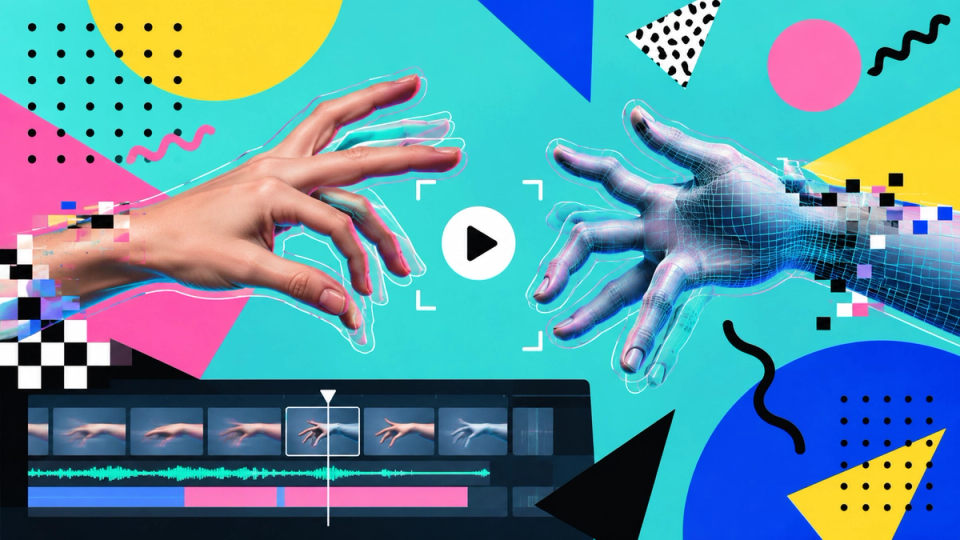
Hands have been the standing joke about generative imagery for years, and the joke has outlived its accuracy: a still of a hand at rest is now usually fine. What has not changed is hands in motion and hands interacting with objects, which is, unfortunately, most of what hands do in advertising.
Why it is structurally hard
- Articulation. A hand carries fifteen independently moving joints, and the valid configurations are a small subset of the possible ones.
- Self-occlusion. Fingers hide other fingers constantly, so the model is inferring geometry it cannot see from geometry it can, at every frame.
- Variety in training data. Hands appear at every scale, angle and degree of blur, across a configuration space that dwarfs the one a face occupies, which means less consistent signal per configuration.
- Expertise in the viewer. Everybody has looked at hands their entire life and can detect a wrong one instantly without being able to say what is wrong.
- No partial credit at the extremities. A slightly wrong shoulder is invisible; a sixth finger is the only thing in the frame.
In video it compounds, because the hand has to be correct in every frame and consistent between them. Extremity drift is typically the third thing to degrade as a clip runs on, and it is the first one an untrained viewer reliably catches.
The eight compositional moves
The technique is the same one physical production has always used for something difficult: do not put it in the shot.
- Crop at the wrist. A frame that ends above the hands cannot have wrong hands, and it is a legitimate composition.
- Put hands behind an object. A hand on the far side of a cup, a counter or a laptop is half a hand.
- Hands at rest and together. Interlocked or resting hands present a simple silhouette. Mid-gesture is where the geometry comes apart.
- Motion blur. A hand moving fast enough to blur is a hand that does not have to resolve.
- Out of focus. A hand in the near foreground at f/2 is a shape, and shapes do not have finger counts.
- Small in frame. Fewer pixels per hand is fewer pixels in which to be wrong.
- Gloves. Effective, and at home across food, industry, medical, laboratory and cold weather.
- Cut before the gesture completes. The end of a gesture is where the configuration is most specific and most likely to fail.
When you need the hand
Product interaction is the case where none of the above helps, because the hand holding the product is the shot. Three approaches, in order of cost:
| APPROACH | COST | WHEN |
|---|---|---|
| Generate many, gate hard | Moderate | The shot is achievable but the acceptance rate is low. Budget the attempts explicitly. |
| Inpaint the hand into an approved plate | Moderate | The rest of the frame is right and only the hand failed. |
| Film the hand, composite into a generated world | Higher | When the hand has to do something specific. Two hours and a phone camera is often enough. |
The third is under-used and frequently the cheapest overall. A hand, a product and a piece of neutral background, filmed properly, then composited into a generated environment, removes the least reliable element from the least reliable process.
The gate
Whatever the approach, every frame containing a visible hand gets checked at full size before it goes anywhere. Count the fingers, check the joint directions, check the thumb is on the correct side, and check the hand connects to a plausible wrist.
In video, do this on the first frame, the last frame and one in the middle at minimum. A hand that is correct at the start and wrong at the end is the standard failure, and it is invisible at playback speed.
The extremity gate, with the pass criteria and the rule about never patching a frame into passing.
THE CONSISTENCY CHECKLIST →